 ScreedioNew · iOS
Your screenshots deserve better.
Screedio turns the screenshots buried in your camera roll into tidy, tactile cards.
Download on theApp StoreFree for iPhone
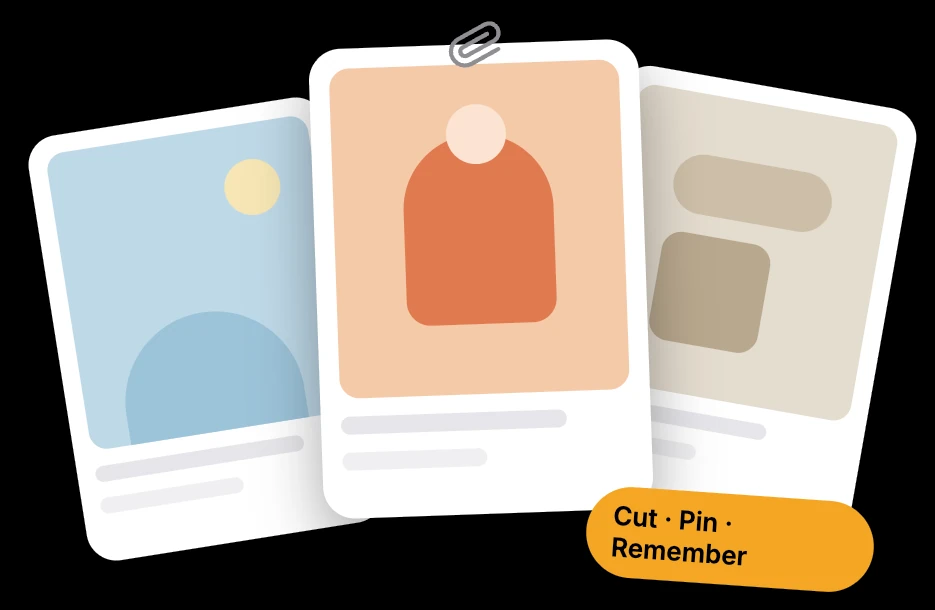
01 · Today
Sort it out in 10 seconds.
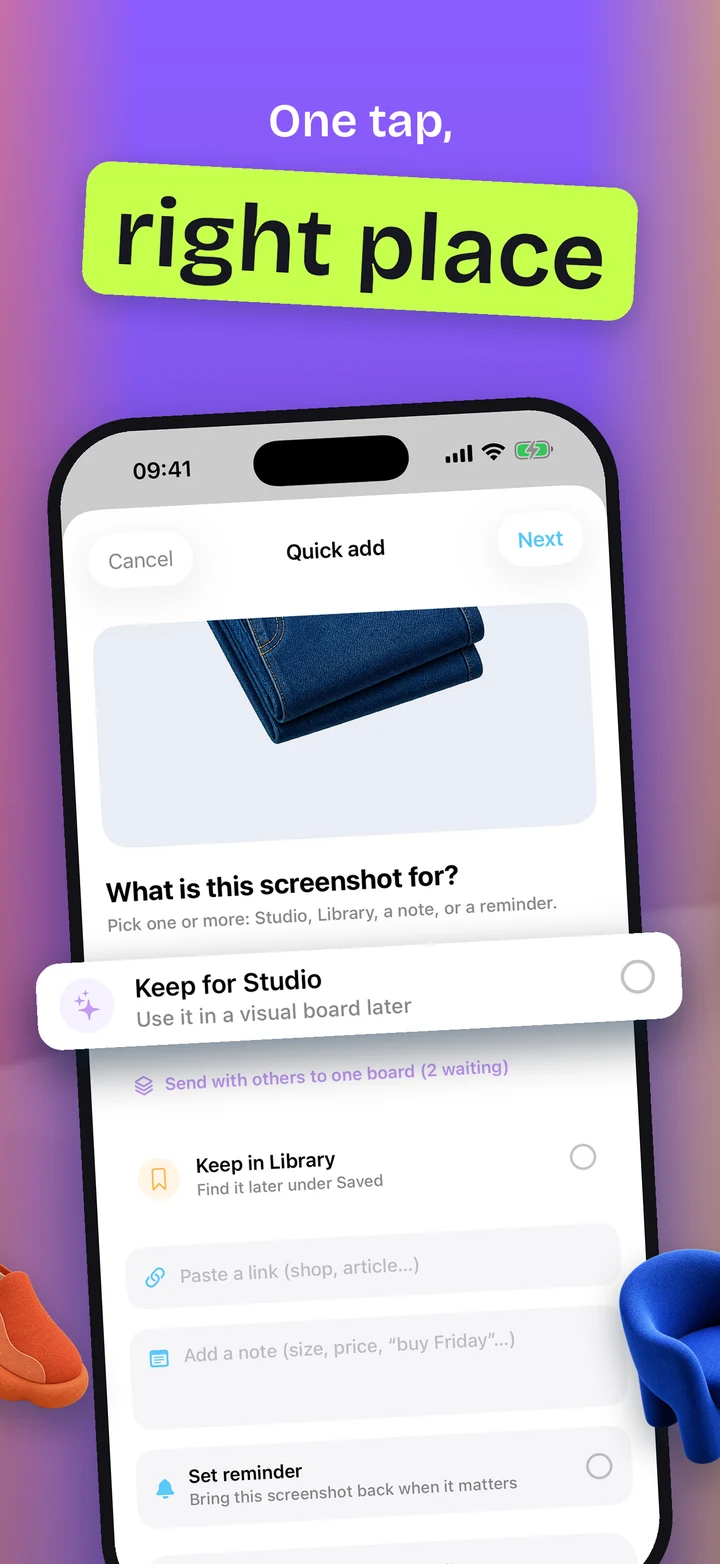
New screenshots arrive as cards. Swipe right to keep. Swipe left to let go.
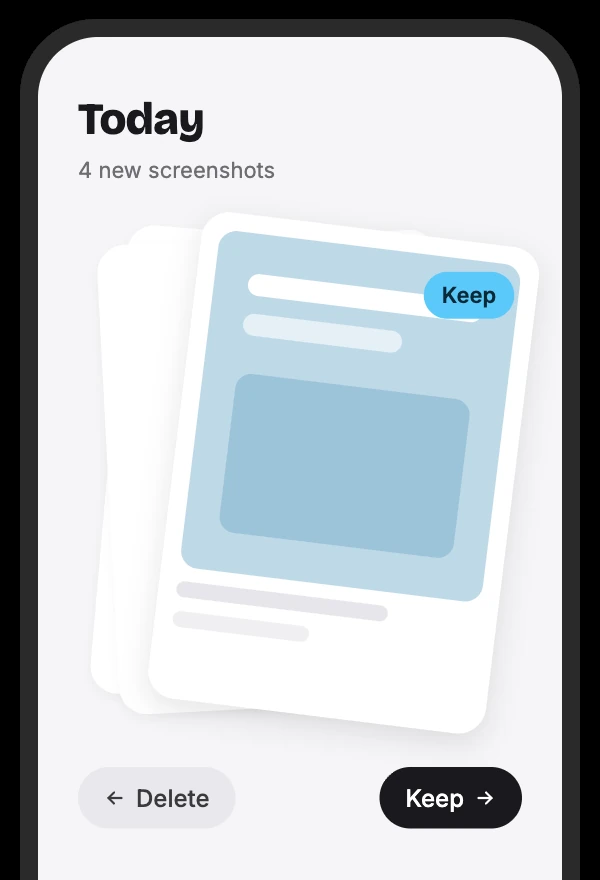
02 · Studio
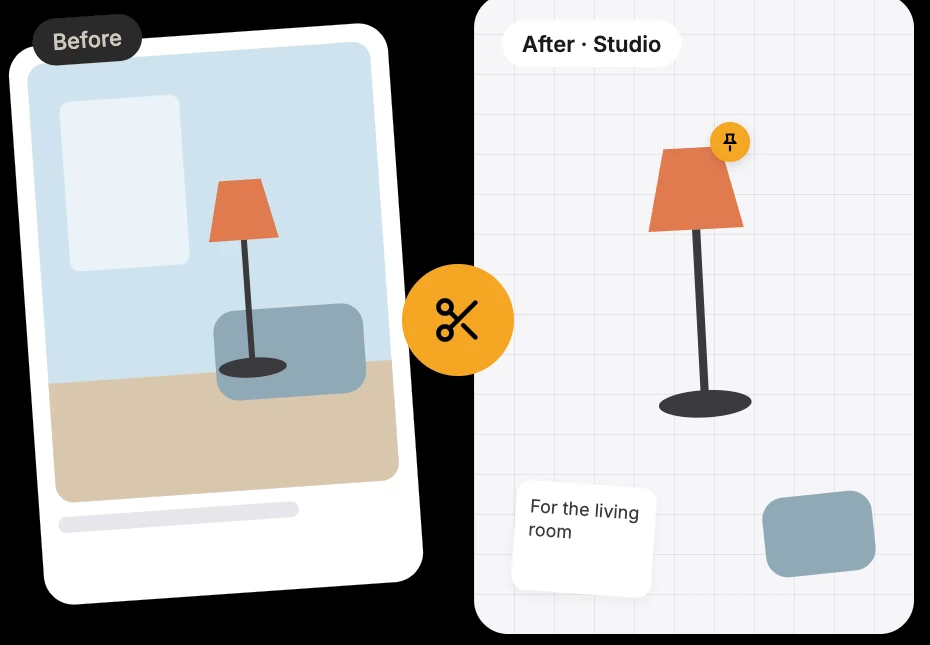
Tap. Background gone.
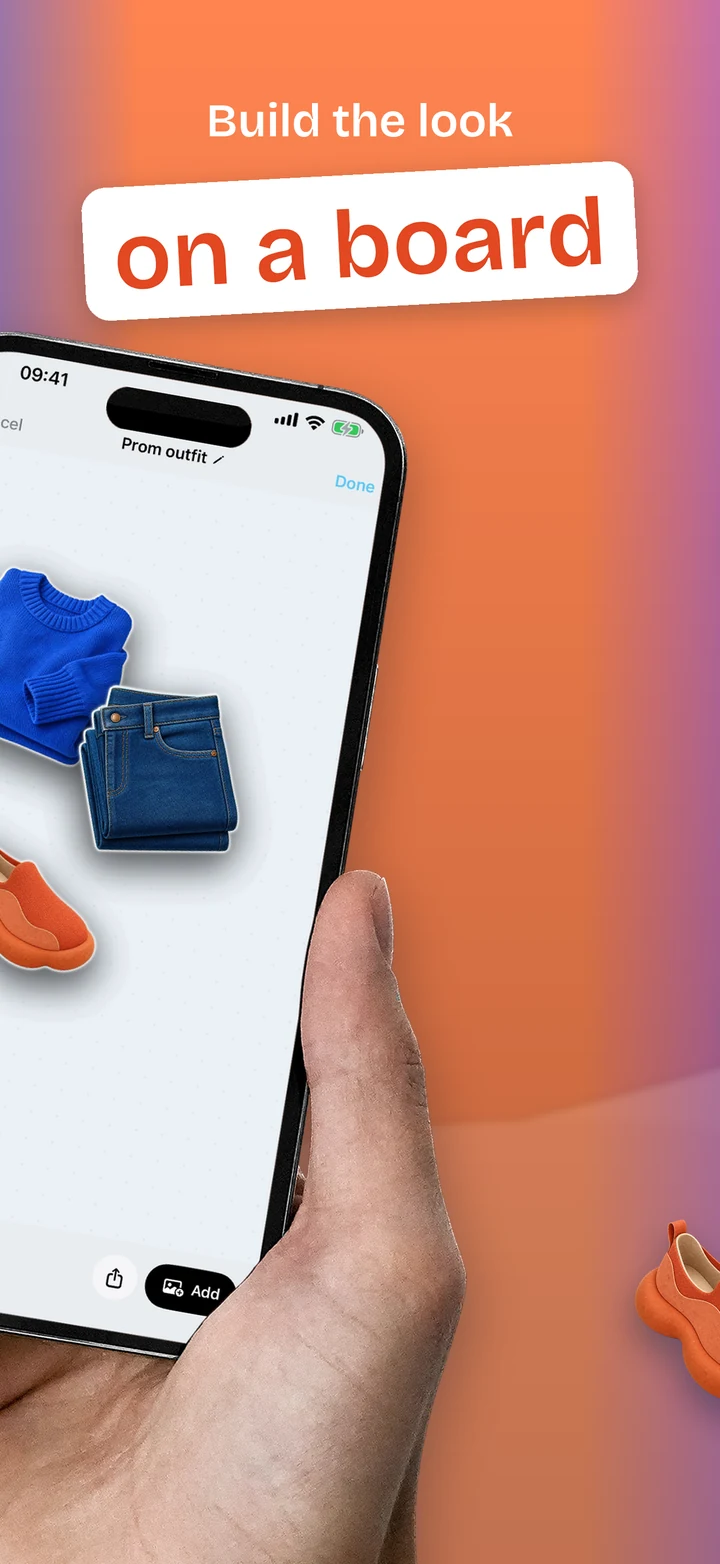
Lift the lamp, the jacket, the sofa right out of any screenshot. Build outfit and home boards in Studio.
03 · Privacy
Nothing leaves your phone.
No account, no ads, no tracking. Your screenshots stay yours.
- Cutouts run on-device. No servers, no uploads.
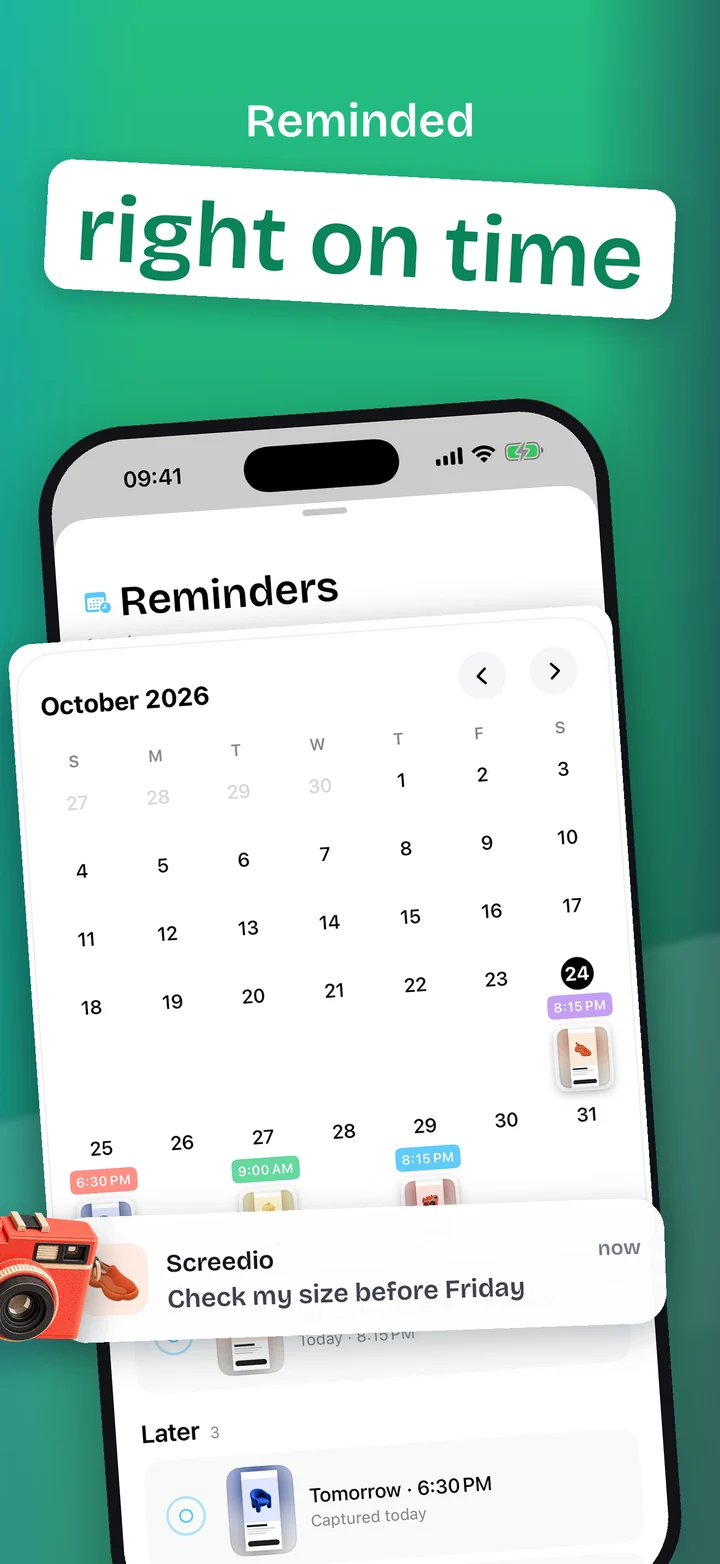
- Add a reminder and your screenshot comes back right when you need it.
Questions? Visit support or write toscreedio@yake.app.